Yes, Shopify can integrate with Amazon, but the right setup depends on what you want to accomplish.
Use Shopify Marketplace Connect if you want to list Shopify products on Amazon and manage listings, prices, inventory, and marketplace orders from Shopify. Use the Amazon MCF and Buy with Prime app if you want Amazon to store inventory and fulfill orders placed on your Shopify store. Use an Amazon importer such as Importio if you want to bring Amazon products and reviews into Shopify. Larger businesses may need a third-party connector or custom data integration.
These tools solve different problems. Marketplace Connect does not perform the same job as a product importer, and importing an Amazon product does not automatically connect your store to Amazon fulfillment.
Before installing an app, decide:
- here customers will place their orders
- Where your inventory will be stored
- Which platform controls product and inventory data
- Whether you need listings, fulfillment, product imports, or analytics
This guide explains each integration method, its requirements, costs, setup steps, and limitations.
What Is a Shopify Amazon Integration?
A Shopify Amazon integration is a connection that transfers selected data or tasks between Shopify and Amazon.
Depending on the app, the integration may handle:
- Product listings
- Titles, descriptions, and images
- Prices and variants
- Inventory quantities
- Amazon marketplace orders
- Shipping and tracking
- Amazon FBA or MCF fulfillment
- Amazon product reviews
- Reporting and analytics
The phrase “Shopify Amazon integration” can describe four very different setups.
| Your goal | Recommended integration |
|---|---|
| Import Amazon products and reviews into Shopify | Importio |
| Use Amazon to fulfill Shopify orders | Amazon MCF and Buy with Prime |
| Sell Shopify products on Amazon | Shopify Marketplace Connect |
| Manage complex multichannel data and operations | Third-party connector or custom integration |
Shopify, Seller Central, FBA, FBM, and MCF Explained
You should understand a few Amazon terms before connecting your accounts.
- Amazon Seller Central: Seller Central is the dashboard Amazon merchants use to manage listings, prices, inventory, orders, and account settings.
You need a verified Amazon seller account to connect Shopify Marketplace Connect to Amazon. Shopify also requires you to create the seller account in the correct country where you plan to sell. Review Shopify’s Marketplace Connect requirements.
- Fulfillment by Amazon or FBA, stores your products in Amazon fulfillment centers. When a customer buys the product on Amazon, Amazon picks, packs, and ships the order.
- Fulfilled by Merchant or FBM, means you store and ship Amazon orders yourself or through another fulfillment provider.
- Amazon Multi-Channel Fulfillment, or MCF, uses Amazon inventory to fulfill orders placed outside Amazon, including orders placed on your Shopify store.
You do not need to sell the product on Amazon to use MCF. However, you still need the required Amazon account and must send inventory to the Amazon fulfillment network. Amazon explains how MCF works with Shopify.
You may also see these identifiers during setup:
- SKU: Your internal code for identifying a product or variant.
- UPC: A universal product barcode commonly used to match products.
- ASIN: Amazon’s unique identifier for a product listing.
Consistent SKUs and valid product identifiers make it easier to connect existing listings and avoid duplicate products.
Before You Connect Shopify to Amazon
Complete these checks before installing an integration app.
Define what you want to integrate
Do not start by choosing an app. Start by defining the task.
Ask:
- Do I want to sell my Shopify products on Amazon?
- Do I want Amazon to fulfill Shopify orders?
- Do I want to import Amazon product data into Shopify?
- Do I only need combined Shopify and Amazon reports?
Each answer leads to a different setup.
Prepare your Shopify store
To use Shopify Marketplace Connect, your store needs:
- An active Shopify online store
- No storefront password protection
- An active payment provider
- Shipping rates for the countries where you sell
- Supported currencies
- Clear store and shipping policies
These are part of Shopify’s current Marketplace Connect requirements.
Prepare your Amazon account
Confirm that:
- Your Amazon seller account is verified.
- It is registered in the correct marketplace region.
- Your bank and payment information is complete.
- Your shipping settings are ready.
- You are approved to sell products in the selected categories.
- Your product identifiers are valid.
Some categories and products require additional Amazon approval.
Clean up your product data
Check your:
- SKUs
- UPCs or other barcodes
- Product titles
- Variants
- Images
- Prices
- Inventory locations
If the same product has different SKUs in Shopify and Amazon, you may need to map it manually.
Disconnect other marketplace connectors
Shopify recommends using only one marketplace connector at a time. Two apps updating the same listing or inventory quantity can create data conflicts.
If you are moving to Marketplace Connect, disconnect the old connector before activating the new one. Shopify includes this warning in its setup guide
Sell Shopify Products on Amazon With Marketplace Connect
Shopify Marketplace Connect is the most direct option when you want to publish and manage Amazon marketplace listings from Shopify.
The app connects Shopify with Amazon, Walmart, eBay, and other supported marketplaces. For Amazon, it can synchronize:
- Product listings
- Prices
- Inventory
- Marketplace orders
- Tracking information
- Selected fulfillment information
Changes made to connected products and orders can be synchronized across Shopify and the selected marketplace. See Shopify’s Marketplace Connect documentation.
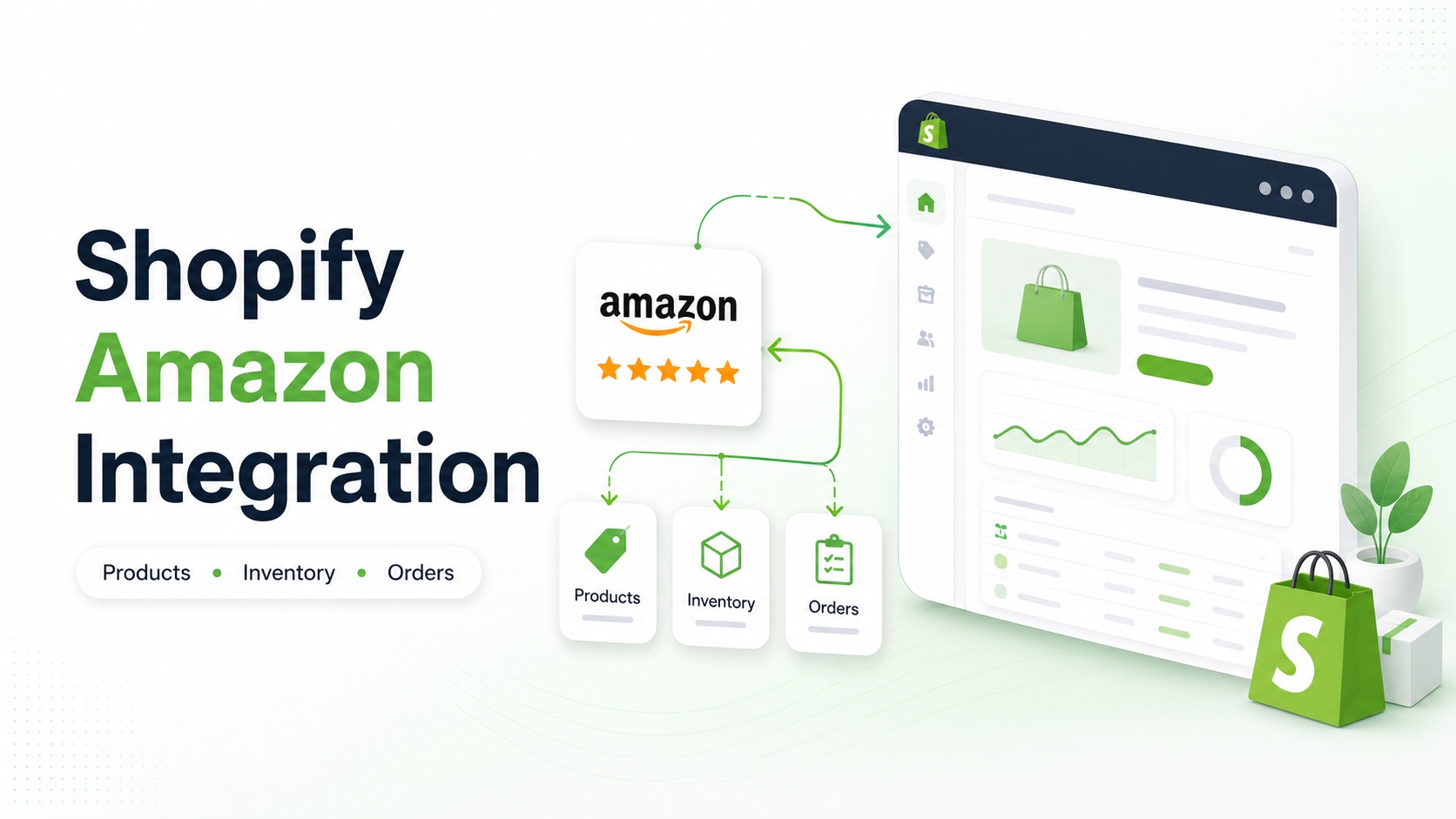
Import Amazon Products and Reviews Into Shopify
Choose this method when you want to bring Amazon product information into your Shopify catalog.
This is different from selling Shopify products on Amazon.
An Amazon product importer can help transfer:
- Titles
- Images
- Descriptions
- Prices
- Variants
- Product details
- Customer reviews
- Seller feedback
This can reduce the time needed to create Shopify product pages manually. Importio App is an Amazon-to-Shopify product and review importer.
It supports three import methods:
- Single product: Paste one Amazon product URL.
- Bulk import: Add a list of Amazon URLs or ASINs.
- Seller store import: Use an Amazon seller URL to import a larger catalog.
Step 1: Install the app
Install Importio from the Shopify App Store.
Step 2: Choose an import method
Select a single product, bulk list, or seller store import.
Step 3: Add the Amazon URL or ASIN
Paste the relevant Amazon product or seller URL into the app.
Step 4: Review the imported data
Before publishing, check:
- Product title
- Description
- Images
- Price
- Variants
- Inventory
- Reviews
- Product category
Do not publish imported data without reviewing it. Amazon listings may contain marketplace-specific wording, formatting, or product details that do not fit your Shopify store.
You should also ensure that you have the necessary rights and permission to use product content, images, and brand materials.
Step 5: Edit and publish
Update the product for your brand and Shopify customers. Then publish it through Shopify Admin.
Importio pricing
- The free plan supports up to five products and five reviews
- Pro costs $5.99 per month or $59.99 per year.
- Pro supports unlimited products and reviews.
- Pro includes automatic product information and new review updates.
- A seven-day free trial is available.
How to connect Shopify to Amazon with Marketplace Connect
Step 1: Install Marketplace Connect
Install Shopify Marketplace Connect from the Shopify App Store.
Step 2: Connect your Amazon account
From your Shopify admin:
- Open Apps.
- Select Marketplace Connect.
- Click Connect account under Amazon.
- Sign in with your Amazon seller credentials.
- Approve the requested permissions.
Step 3: Choose the products to list
Select the Shopify products you want to sell on Amazon.
You do not need to send your entire Shopify catalog. Starting with a small group of products makes it easier to find listing or inventory problems before scaling.
Step 4: Link or create Amazon listings
If a product already exists on Amazon, link your Shopify product to the existing Amazon listing.
Marketplace Connect may suggest a match based on:
- SKU
- UPC
- Product title
Review every suggested match carefully. If the app cannot find a match, select the correct Shopify product manually. Once linked, Marketplace Connect can begin synchronizing orders and inventory for that listing. Follow Shopify’s listing-linking process.
If the product does not exist on Amazon, you will need to create a new listing and provide the required category, product type, attributes, and variation information.
Step 5: Configure listing rules
Set rules for:
- Amazon price
- Inventory quantity
- Product title and description
- Currency conversion
- Fulfillment method
- Shipping
- Listing status
Be careful when letting one platform overwrite information on the other.
Step 6: Publish and monitor errors
Publish a small number of products first.
Check for:
- Missing attributes
- Invalid barcodes
- Unsupported categories
- Incorrect variation themes
- Duplicate ASINs
- Price errors
- Inventory mismatches
Correct these issues before publishing the rest of your catalog.
Marketplace Connect pricing
As of July 2026, Marketplace Connect includes:
- Free connection and product listing
- Free manual order imports
- The first 50 automatically synced marketplace orders each month for free
- A 1% fee for each additional synced order
- A maximum charge of $99 per month
Always verify the latest price on the Shopify App Store listing before installing.
Best for
Marketplace Connect is a good starting point for merchants who:
- Already have a Shopify catalog
- Want to sell the same products on Amazon
- Need basic product, order, price, and inventory synchronization
- Prefer managing marketplace activity from Shopify
- Sell across more than one marketplace
Limitations
Marketplace Connect may not be the best choice if:
- You need advanced product transformation rules.
- Your catalog requires complex SKU mapping.
- You need specialized multi-warehouse routing.
- You want Amazon to fulfill Shopify orders without creating Amazon marketplace listings.
- only want to import Amazon product information into Shopify.
For advanced workflows, compare third-party connectors before making a decision.
Fulfill Shopify Orders With Amazon MCF
Choose Amazon MCF when customers order from your Shopify store, but you want Amazon to store and ship the products.
The basic order flow is:
- A customer orders on Shopify.
- Shopify sends a fulfillment request to Amazon.
- Amazon picks, packs, and ships the order.
- Tracking information returns to Shopify.
- The customer receives shipment updates.
MCF orders can use unbranded packaging. Amazon’s official Shopify app also supports Buy with Prime for eligible US orders.
How to connect Shopify to Amazon MCF
Step 1: Install the official app
Install the Amazon MCF and Buy with Prime app for Shopify.
The app itself is free, but Amazon storage, fulfillment, shipping, and other service fees can still apply.
Step 2: Connect your Amazon account
Open the app and sign in with the Amazon account used for your selected country.
Step 3: Add or sync inventory
If your products are already stored in Amazon’s fulfillment network, the app can use that inventory.
If they are not, create the products in your Amazon account and send the inventory to Amazon.
Amazon can use a shared inventory pool for:
- Amazon FBA orders
- Shopify orders fulfilled through MCF
This makes inventory management easier, but it also means Amazon and Shopify orders draw from the same stock.
Step 4: Map your SKUs
MCF needs to know which Shopify product matches each Amazon inventory item.
If the Shopify SKU and Amazon SKU are identical, the app can map them automatically. If they are different, you must select the corresponding Amazon SKU manually.
Amazon’s current user guide states that bulk SKU mapping is not supported. Different SKUs must be mapped individually. See the Amazon MCF Shopify user guide.
Step 5: Configure shipping options
Create a Shopify shipping profile for products fulfilled by Amazon.
Then:
- Add the shipping rates customers should see.
- Choose the default MCF shipping speed.
- Map Shopify shipping options to Amazon shipping speeds.
- Set rules for automatic or manual fulfillment.
The Amazon app does not calculate your Shopify checkout rates for you. Customers only see the rates configured in Shopify.
Step 6: Place a test order
Create one test order before enabling MCF for all customers.
Verify that:
- The order appears in Shopify.
- Amazon accepts the fulfillment request.
- The correct SKU and quantity are selected.
- Shipping information is correct.
- Tracking returns to Shopify.
- Inventory decreases correctly.
Amazon recommends checking for an “Accepted” fulfillment status and confirming that the corresponding order appears in Seller Central.
MCF regions
As of July 2026, Amazon’s official Shopify MCF app supports:
- United States
- United Kingdom
- Canada
- Mexico
- Germany
- France
- Italy
- Spain
- India
Merchants in some other MCF-supported countries may need a third-party connector such as WebBee, ByteStand, or Pipe17. Check Amazon’s latest region list before installing.
MCF limitations to consider
Returns: MCF returns are not managed completely inside the Shopify app. You may process the refund through Shopify, but a return sent directly to Amazon follows a separate MCF return process.
SKU mapping: Matching SKUs are easy to connect. Different SKU structures can create significant manual work, especially for large catalogs.
Shipping rates: The app does not automatically calculate Shopify checkout rates. You must create and manage those rates in Shopify.
Amazon Logistics: MCF may use Amazon Logistics or another carrier. US merchants can choose to block Amazon Logistics for an additional surcharge.
Inventory availability: Because FBA and MCF can use the same inventory pool, an unexpected increase in Amazon sales can reduce the quantity available for Shopify orders.
Use a Third-Party Connector
Third-party apps can provide more control than Marketplace Connect or the standard Amazon MCF app.
Common options include:
- CedCommerce Amazon Channel
- CS Amazon Integration & Sync
- LitCommerce
- WebBee
- ByteStand
- Pipe17
- Veeqo
- Sellercloud
- ShipStation
Amazon lists several third-party applications and order management platforms that connect Shopify with MCF. These solutions may support advanced features such as custom order routing, bundles, multi-country fulfillment, multiple sales channels, and ERP connections. Review Amazon’s integration options.
When to use a marketplace connector
Consider CedCommerce, CS Amazon Sync, LitCommerce, or a similar marketplace connector when you need:
- More detailed listing rules
- Multiple Amazon accounts
- More marketplace regions
- Advanced price rules
- Custom order synchronization
- Dedicated onboarding
- More control over inventory updates
Compare each app’s pricing, supported regions, fulfillment options, support, and current reviews.
When to use an MCF connector
Consider WebBee, ByteStand, or Pipe17 when:
- The official Amazon app does not support your region.
- You need more advanced SKU mapping.
- You need virtual bundle support.
- You want custom routing between Amazon and other fulfillment providers.
- You need to block specific carriers.
- You manage multiple sales channels.
When Fivetran makes sense
Fivetran is different from a normal Shopify marketplace app.
It moves data from Shopify and Amazon into a data warehouse or data lake for:
- Reporting
- Analytics
- Business intelligence
- Cross-channel data models
- Enterprise data workflows
It requires more technical infrastructure and is generally not the best first choice for a small merchant who simply wants to list products or fulfill orders. Fivetran explains its integration architecture.
When to build a custom API integration
A custom integration may be appropriate when you have:
- A large product catalog
- Multiple warehouses
- An ERP or order management system
- Complex fulfillment routing
- Several Amazon accounts
- Internal developers
- Requirements that existing apps cannot meet
Custom integrations offer more control but require development, monitoring, maintenance, and security work.
Frequently Asked Questions
Can Shopify integrate directly with Amazon?
Shopify connects to Amazon through apps such as Shopify Marketplace Connect, the Amazon MCF and Buy with Prime app, or third-party integrations. The correct app depends on whether you need marketplace listings, order fulfillment, product importing, or data reporting.
Do I need an Amazon Seller account?
You need a verified Amazon seller account to connect Shopify Marketplace Connect to Amazon. Amazon MCF also requires you to connect an Amazon account and place inventory in Amazon’s fulfillment network.
An Amazon product importer may not require a connected Seller Central account because it uses Amazon URLs or ASINs to import data. Check the specific app requirements.
Can Amazon fulfill Shopify orders?
Yes. Amazon MCF can use inventory stored in Amazon fulfillment centers to pick, pack, and ship Shopify orders.
What is the difference between FBA and MCF?
FBA primarily fulfills orders placed on Amazon. MCF fulfills orders placed on other channels, including Shopify, using inventory stored with Amazon.
Does Shopify automatically sync inventory with Amazon?
It can, but only after you install and configure a compatible integration. Product mapping, inventory locations, fulfillment settings, and sync rules must be correct.
Is Shopify Marketplace Connect free?
The app is free to install. As of July 2026, the first 50 automatically synced marketplace orders each month are free. Additional synced orders are charged at 1%, capped at $99 per month.
Can I import Amazon products into Shopify?
Yes. An app such as Importio can import Amazon titles, images, variants, prices, descriptions, and other product data into Shopify.
Can I import Amazon reviews into Shopify?
Yes. Importio supports Amazon product review and seller feedback imports. Review the imported content and confirm that it matches the correct product before publishing.
Can I connect existing Amazon listings to Shopify?
Yes. Marketplace Connect can suggest matches using SKU, UPC, or product title. You can also select the correct Shopify product manually when no reliable match is found.
Can I use two Amazon connector apps at the same time?
It is not recommended. Shopify warns that multiple marketplace connectors can create data conflicts. Use one primary connector for listings, orders, and inventory.
Does Amazon MCF use Amazon-branded packaging?
Amazon’s current MCF Shopify integration supports unbranded packaging. Carrier availability and packaging rules can vary, so verify the latest settings for your country.
Final Recommendation
Choose your Shopify Amazon integration based on the job you need it to perform.
Use Shopify Marketplace Connect to sell Shopify products on Amazon and synchronize basic marketplace operations. Use Amazon MCF when you want Amazon to fulfill orders placed through Shopify. Use a third-party connector when your catalog, regions, routing, or fulfillment rules are more complex.
If your goal is to bring Amazon products and reviews into Shopify, use an importer built for that specific direction.
Try Importio to import Amazon products, variants, images, prices, descriptions, and reviews into Shopify through a single product URL, bulk list, or seller store link.